
Have you ever opened your laptop to find a colony of ants crawling around? It’s a common problem that many people face. Ants are attracted to the warmth and food crumbs often found around laptops. In this article, we’ll guide you on how to effectively remove ants from your laptop and prevent future invasions.
Understanding the Ant Problem
Before we dive into the solutions, it’s important to understand why ants are attracted to your laptop and the risks they pose.
Types of Ants that Invade Laptops
The most common types of ants that invade laptops are sugar ants and fire ants. They are attracted to the warmth and food crumbs that can be found in and around laptops.
The Risks of Ant Infestation in Laptops
Ants can cause serious damage to your laptop. They can chew through wires, cause short circuits, and even lay eggs inside, leading to a full-blown infestation.

Preventive Measures
Prevention is always better than cure. Here are some ways to keep ants away from your laptop.
Keeping Your Workspace Clean
Ants are attracted to food crumbs. Keeping your workspace clean and free of food can deter ants from invading your laptop.
Using Ant Repellents
There are various ant repellents available in the market that can be used to keep ants at bay. Make sure to use them safely around your laptop.

How to Remove Ants from Your Laptop
If you’ve already got an ant problem, here’s how you can remove them from your laptop.
Turning Off and Unplugging the Laptop
Before you start, make sure to turn off and unplug your laptop. This is to prevent any electrical short circuits while you’re removing the ants.
Using Compressed Air
Compressed air can be used to blow out the ants from your laptop. Be careful not to damage any internal components while doing so.
Using a Vacuum Cleaner
A vacuum cleaner with a small nozzle can be used to suck out the ants from your laptop. Make sure to clean the vacuum cleaner thoroughly afterwards to prevent any ants from escaping.
Using Ant Baits
Ant baits can be used to lure out the ants from your laptop. Place the baits near your laptop and wait for the ants to come out.

Cleaning the Laptop After Ant Removal
After removing the ants, it’s important to clean your laptop to remove any ant trails and prevent future infestations.
Cleaning the Exterior
Use a soft cloth and a mild cleaning solution to clean the exterior of your laptop. Make sure to clean all the ports and vents as well.
Cleaning the Interior
If you’re comfortable with opening your laptop, you can clean the interior as well. Use a soft brush to gently remove any ant trails or eggs.
Maintaining an Ant-Free Laptop
After cleaning, it’s important to maintain an ant-free environment for your laptop.
Regular Cleaning
Regularly clean your laptop and workspace to prevent any food crumbs from attracting ants.
Proper Storage
When not in use, store your laptop in a cool and dry place. Ants are attracted to warmth and moisture, so keeping your laptop in a suitable environment can deter ants.

When to Seek Professional Pest Control Help
If the ant infestation in your laptop is severe, it might be time to seek professional help.
Recognizing Severe Infestations
If you notice a large number of ants, see ants frequently, or find ant nests inside your laptop, it’s a sign of a severe infestation. In such cases, DIY methods might not be effective and could potentially damage your laptop.
Benefits of Professional Pest Control Services
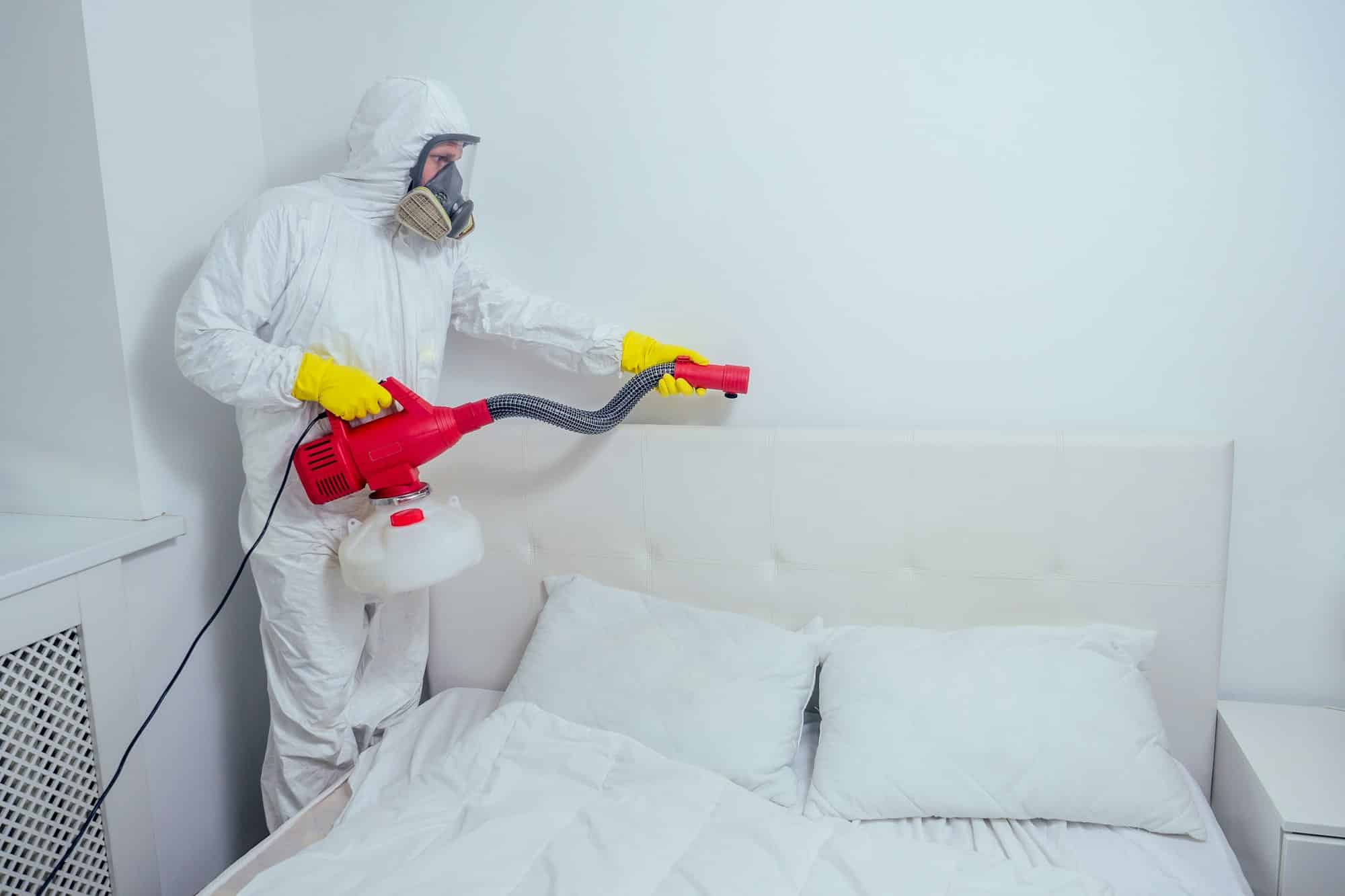
Professional pest control services have the expertise and tools to effectively deal with ant infestations. They can thoroughly inspect your laptop, safely remove the ants, and provide solutions to prevent future infestations.
Conclusion
Ants in your laptop can be a nuisance and potentially cause serious damage. By understanding why ants are attracted to your laptop and taking preventive measures, you can keep your laptop ant-free. If you’re facing a severe infestation, don’t hesitate to seek professional help.
Frequently Asked Questions
[custom-related-posts title=”Related Posts” none_text=”None found” order_by=”title” order=”ASC”]